App Store
App name
11 / 30 characters
Quran Aloud
Subtitle
28 / 30 characters
Audio & Mushaf, ayah by ayah
Keywords
97 / 100 characters · 13 keywords
koran,hifz,recitation,tilawah,tajweed,qari,offline,surah,warsh,indopak,voiceover,memorize,alafasy
Promotional text
166 / 170 characters
49 reciters — Alafasy, Abdul Basit, Sudais, Husary, Minshawi and more. Word-by-word highlighting, 118 translations, offline audio, no ads — every screen works by ear.
Description
2047 / 4000 characters
Quran Aloud helps you listen, memorize and read the Quran — one ayah at a time, entirely by ear if you need it. Free. No ads. No tracking.
BUILT TO WORK BY EAR
Every screen is fully usable with VoiceOver, because it was designed that way from the first line by a developer with low vision. Big controls, high contrast, and nothing that depends on seeing the screen. If you learn by listening, this app was made for you.
49 RECITERS
Alafasy, Abdul Basit, Al-Sudais, Al-Husary, Al-Minshawi and 44 more — murattal and mujawwad in the Hafs reading, Warsh from Al-Husary, Al-Dosary and Yassin, and the teaching (muʿallim) recordings of Al-Husary and Al-Minshawi for memorizing. Search by name in Arabic or English; keep your favourites on top.
MEMORIZE THE WAY HIFZ ACTUALLY WORKS
- Memorize: pick a range, set repeats and a pause between them, and let it run
- Repeat After Me: hear the ayah, then recite it back in the gap
- Test Yourself: recite first, then reveal and check
- Adjustable speed, repeat count and gap length; a sleep timer for the night
READ ALONG
Word-by-word highlighting as the reciter moves, with eleven of the reciters. The Madinah mushaf page, or the text on its own in Uthmani or IndoPak (Nastaleeq) script — in the size, spacing and colours you choose, in light or dark mode. 118 translations in 48 languages, beside the Arabic or hidden.
WORKS OFFLINE
Download any surah for any reciter and keep listening on a plane, on the subway, or wherever the signal drops. Al-Fatiha is on your phone the moment you install.
KEEP THE HABIT
Picks up where you left off. Bookmarks with your own tags, synced to your account. A daily listening goal and streak. Daily reminders at the time you choose, and a Friday reminder for Al-Kahf. Share an ayah with its Arabic text and a link that opens straight to it. "Play Quran" from Siri or the home screen.
The app itself speaks English, Arabic, Urdu, French, Indonesian, German and Spanish, with full right-to-left layout.
Free. No ads. No tracking. Built by one family, for the ummah.
What's new
358 / 4000 characters
- IndoPak (Nastaleeq) script alongside Uthmani
- Word-by-word highlighting with eleven reciters
- Share an ayah with its text and a link that opens the app
- "Play Quran" from Siri or a home-screen shortcut
- Daily reminders at the time you choose; tap one and it plays
- Settings reorganised; translation language easier to find
- VoiceOver fixes throughout
Screenshots
iPhone
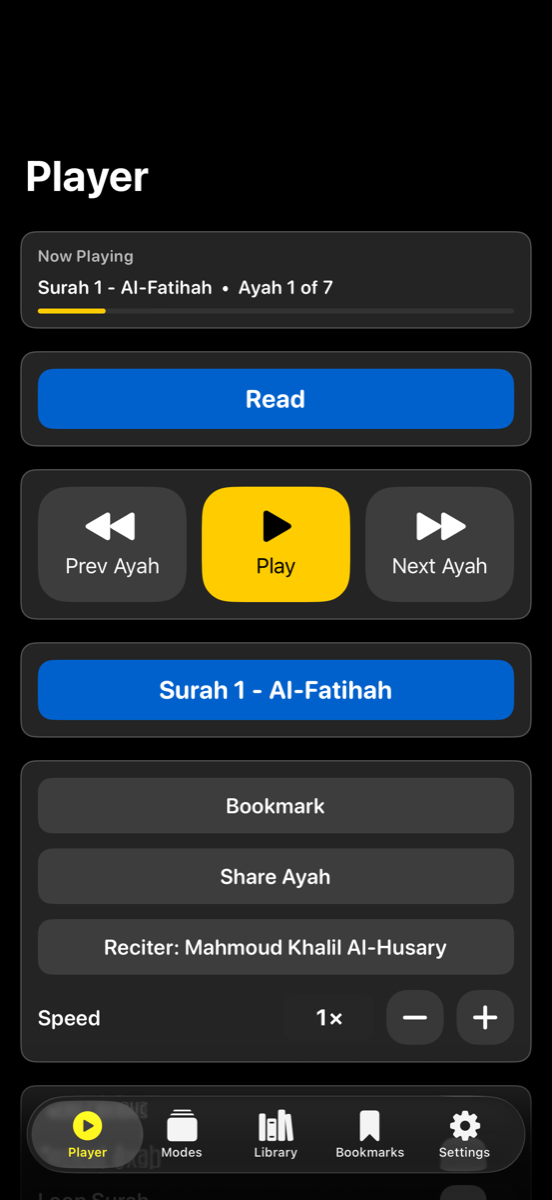
Player 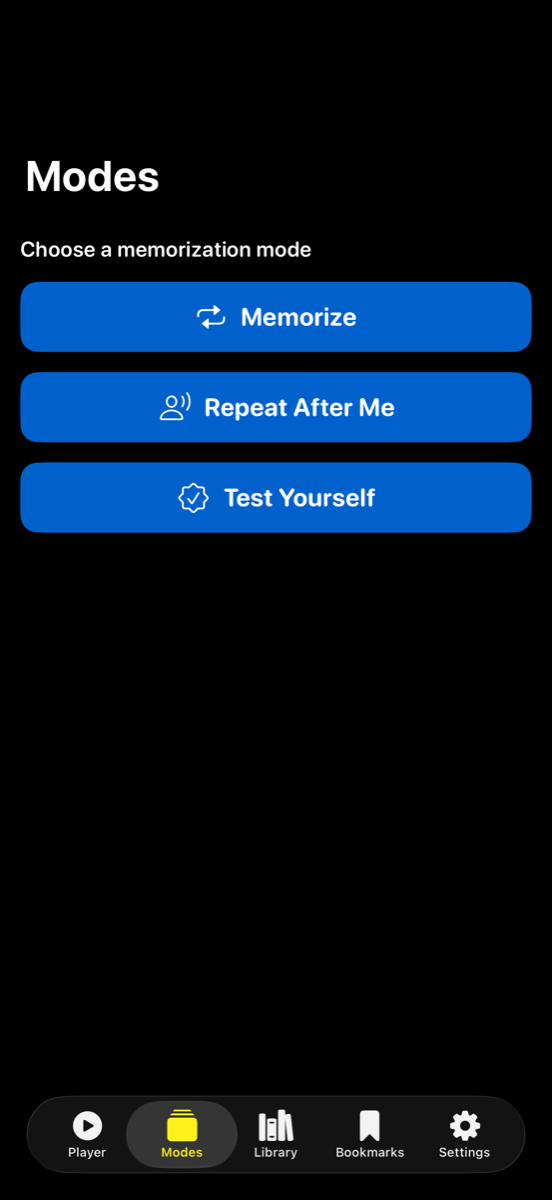
Modes 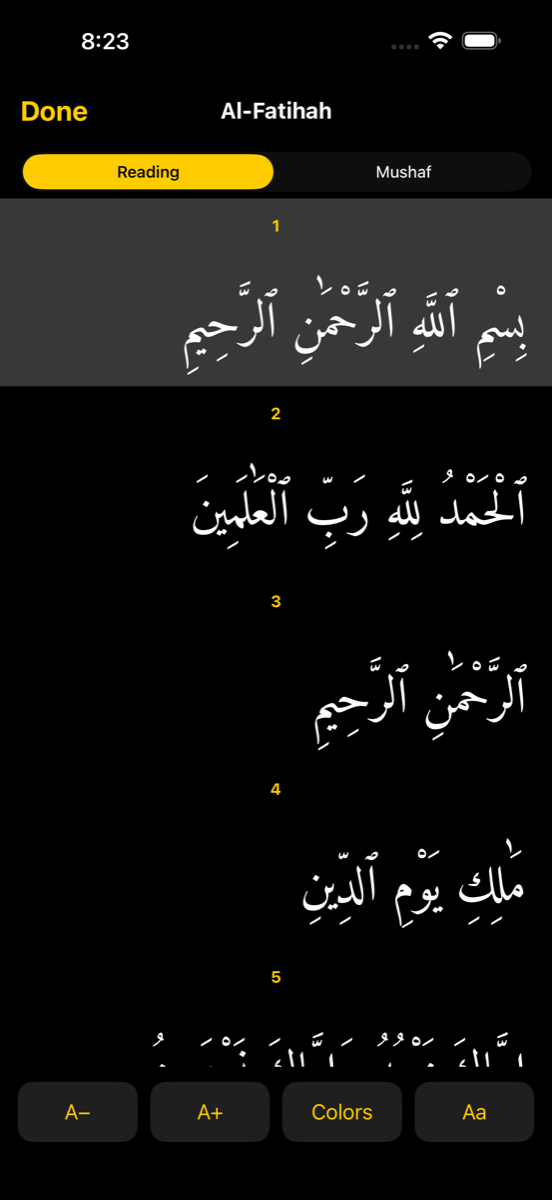
Reader 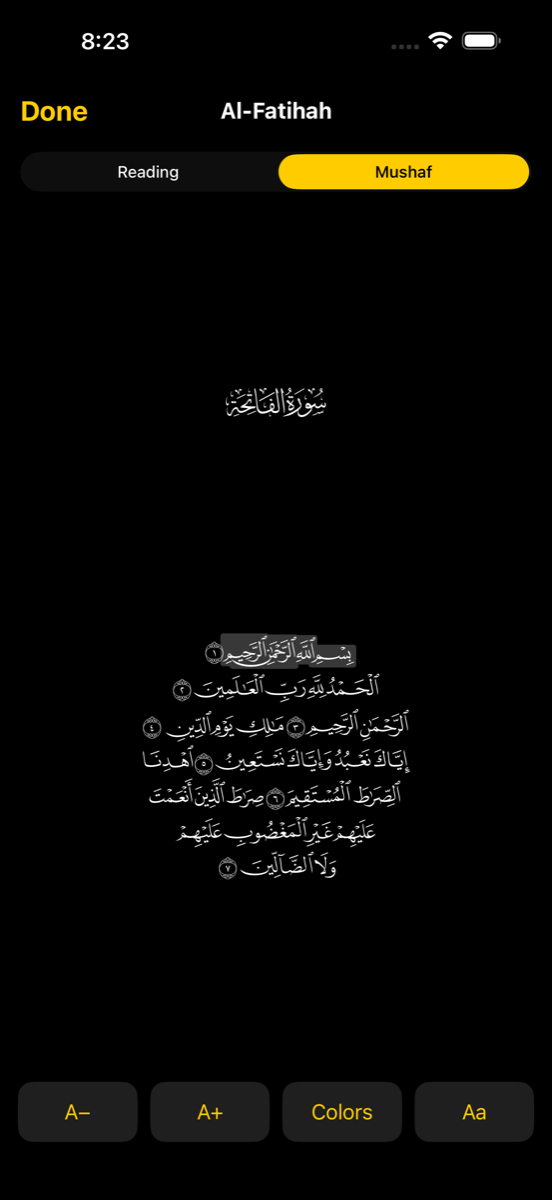
Mushaf 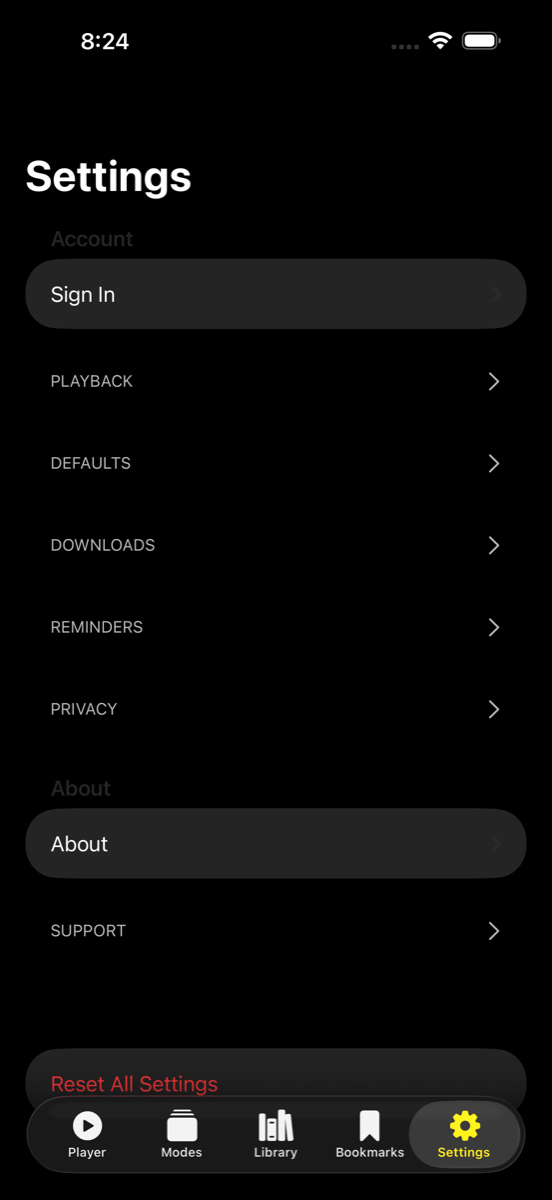
Settings
iPad
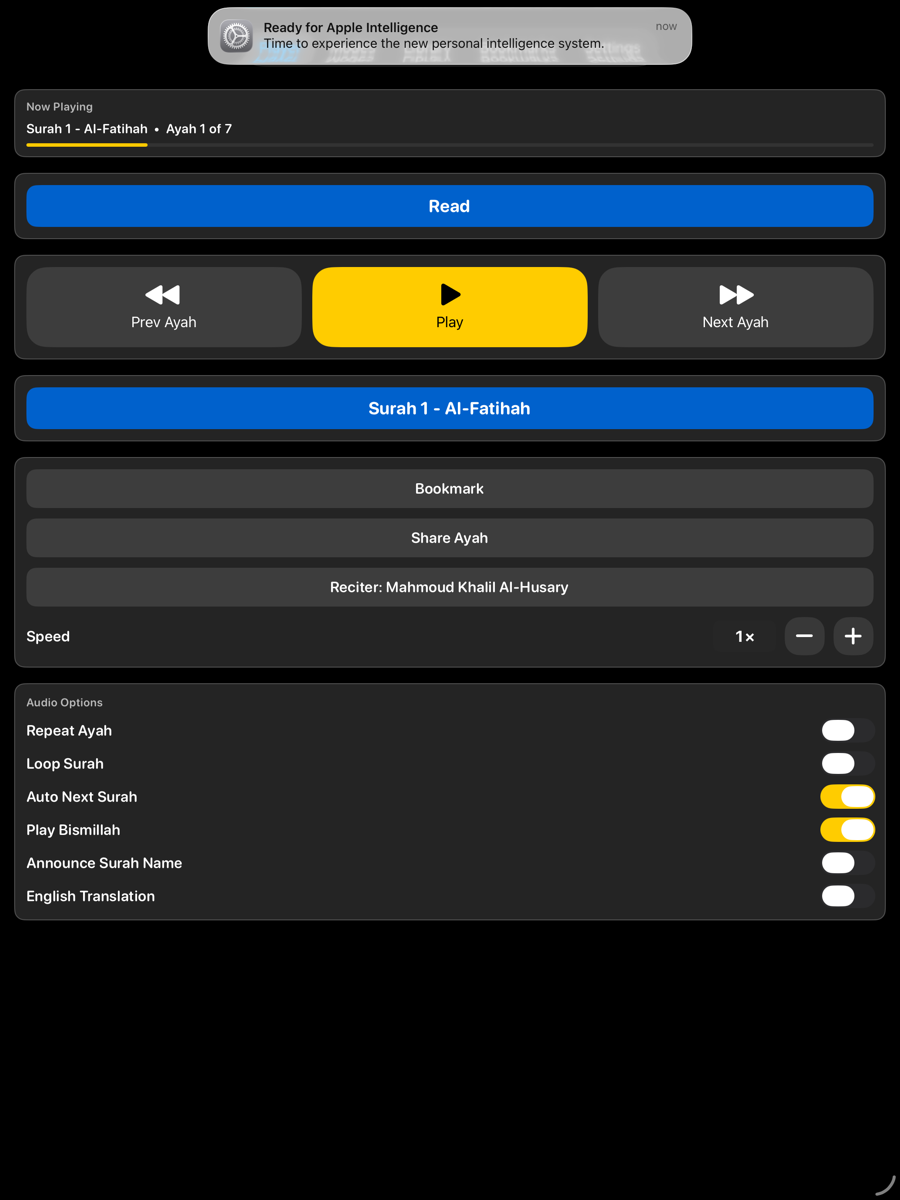
Player 
Modes 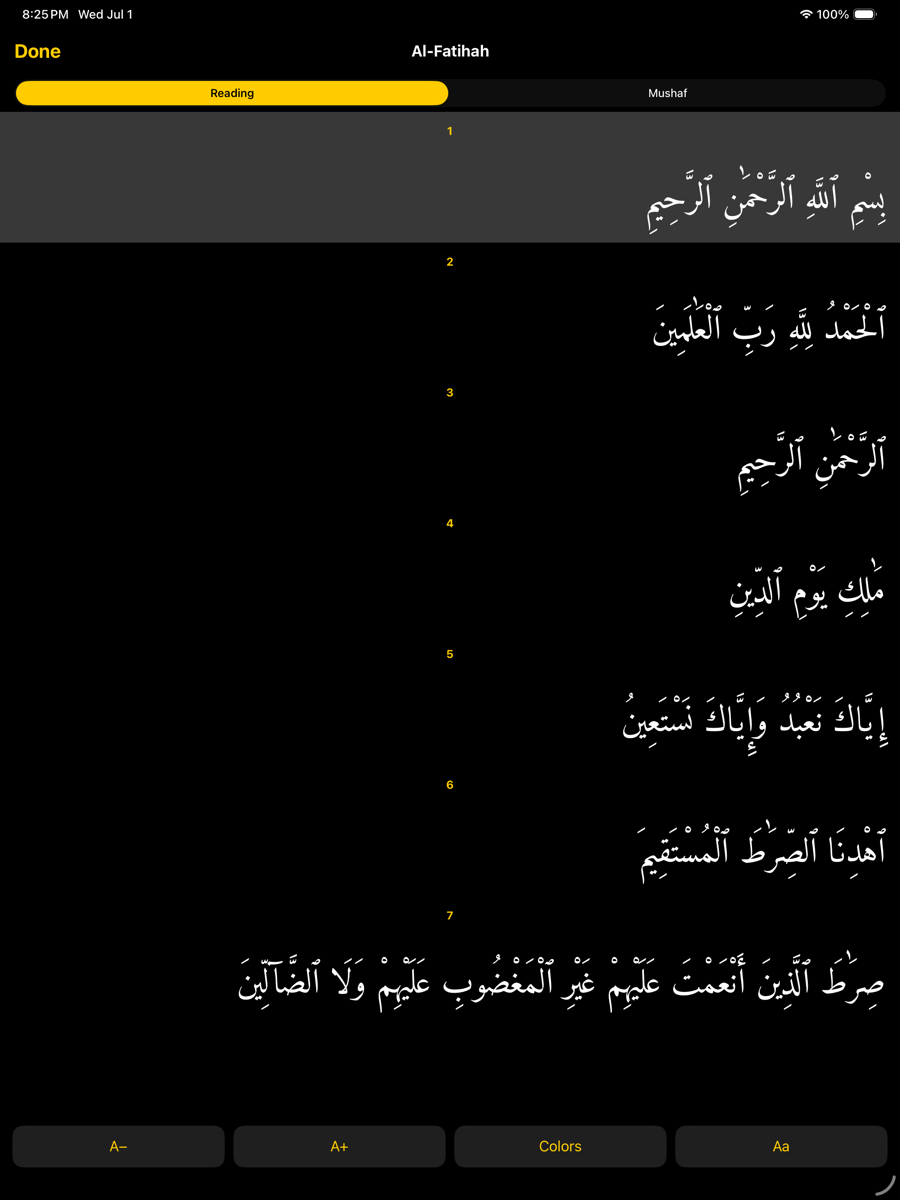
Reader 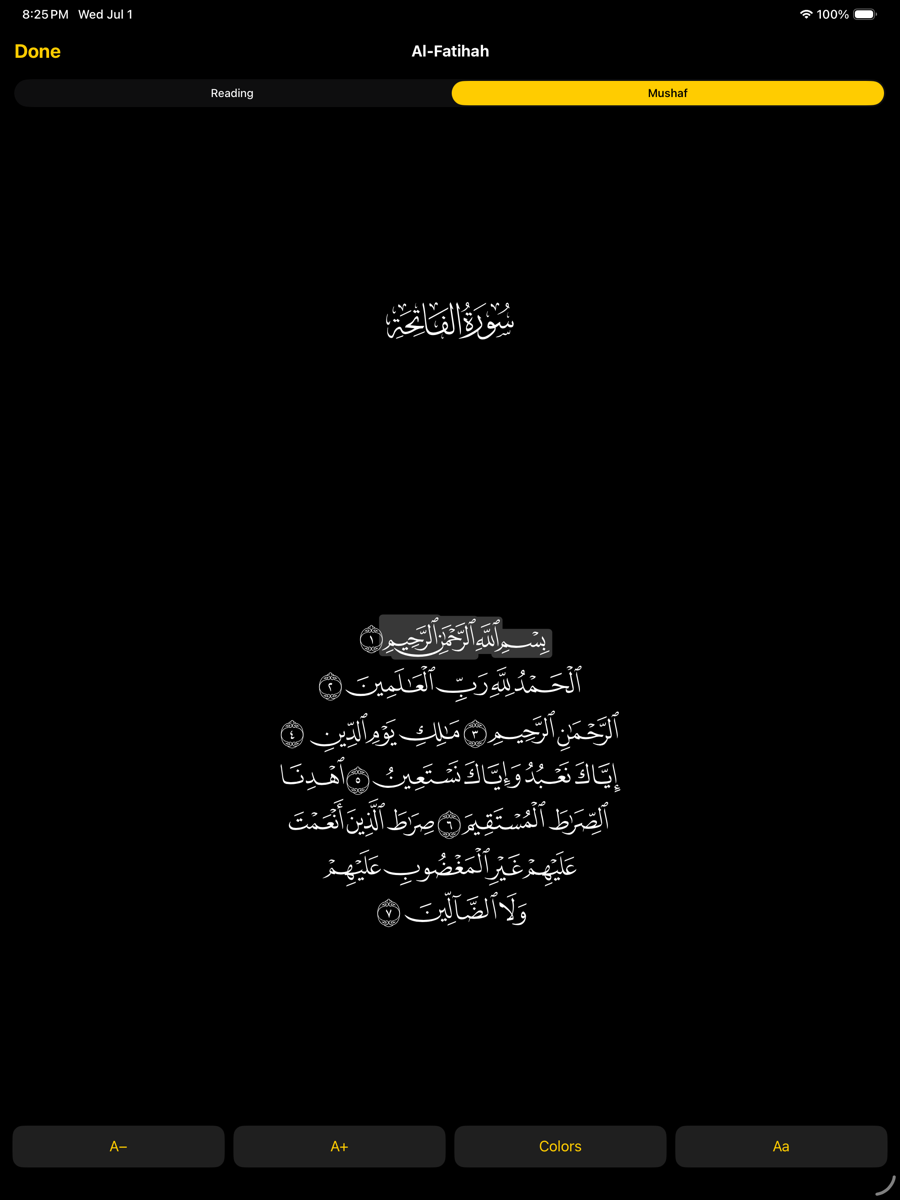
Mushaf 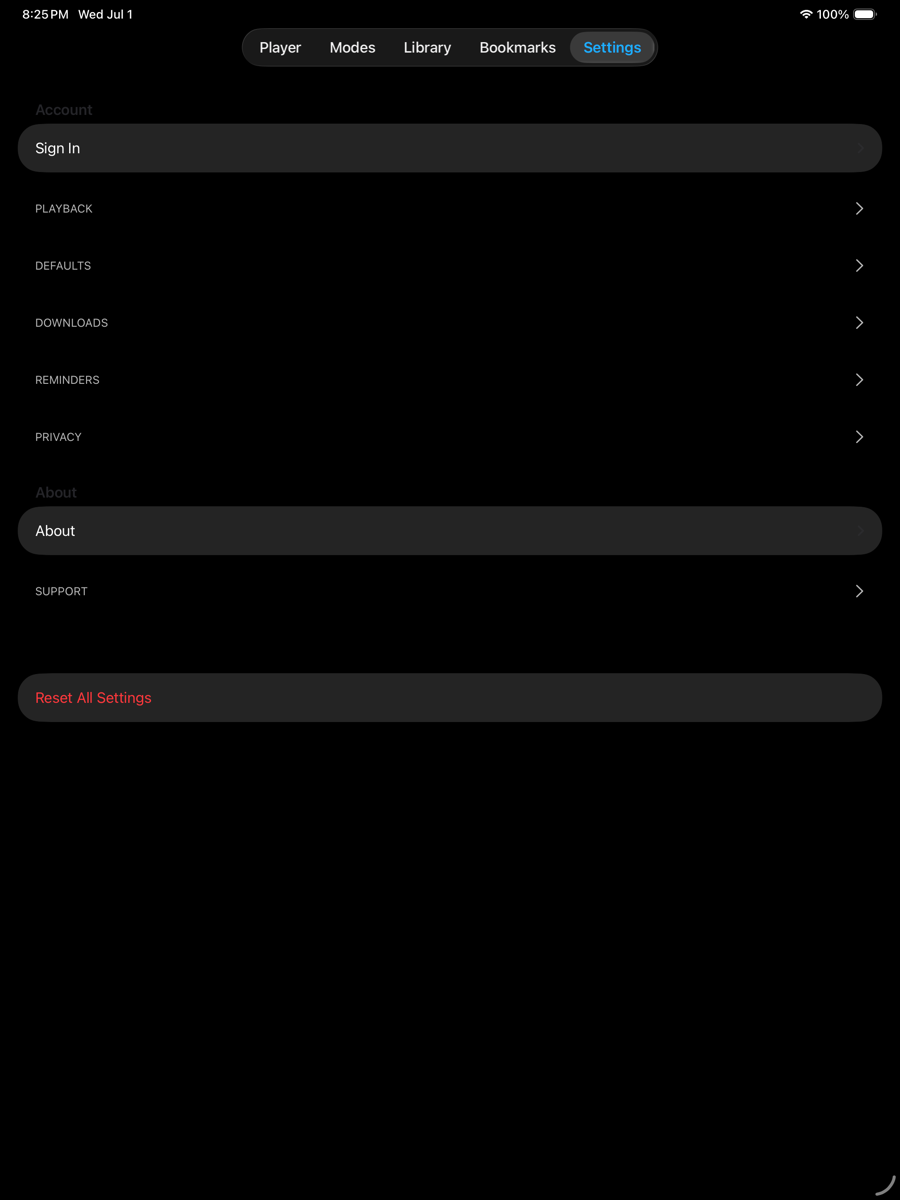
Settings
iPhone · Light mode
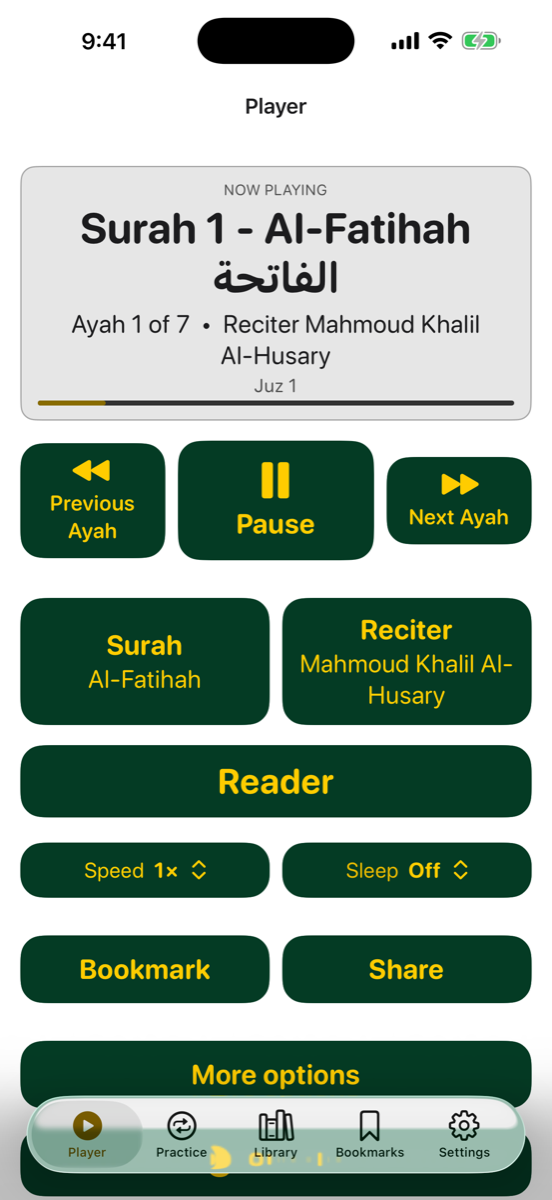
Player 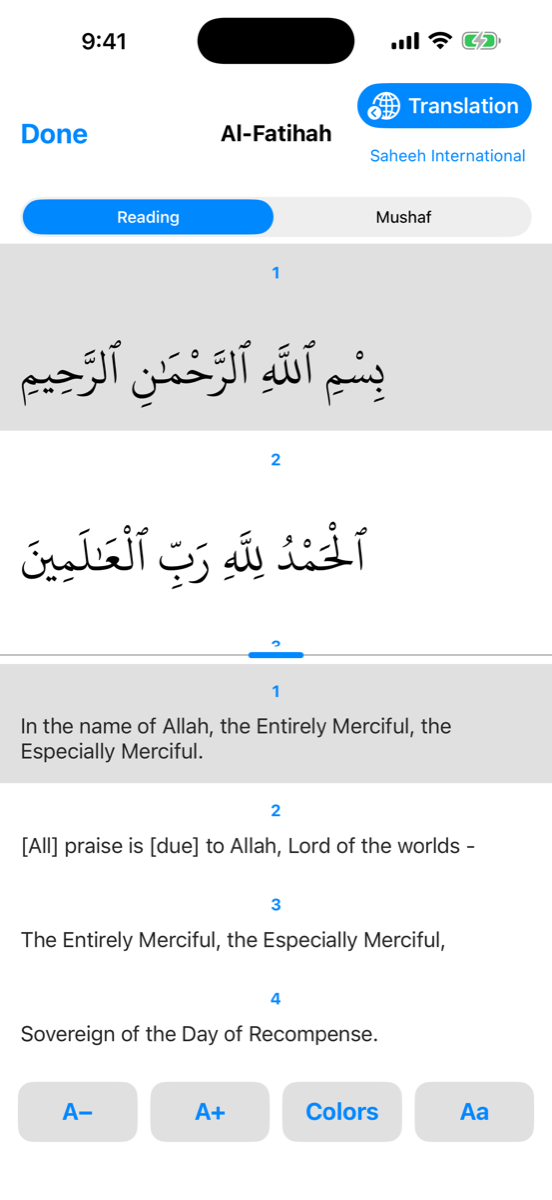
Reader
iPad · Light mode
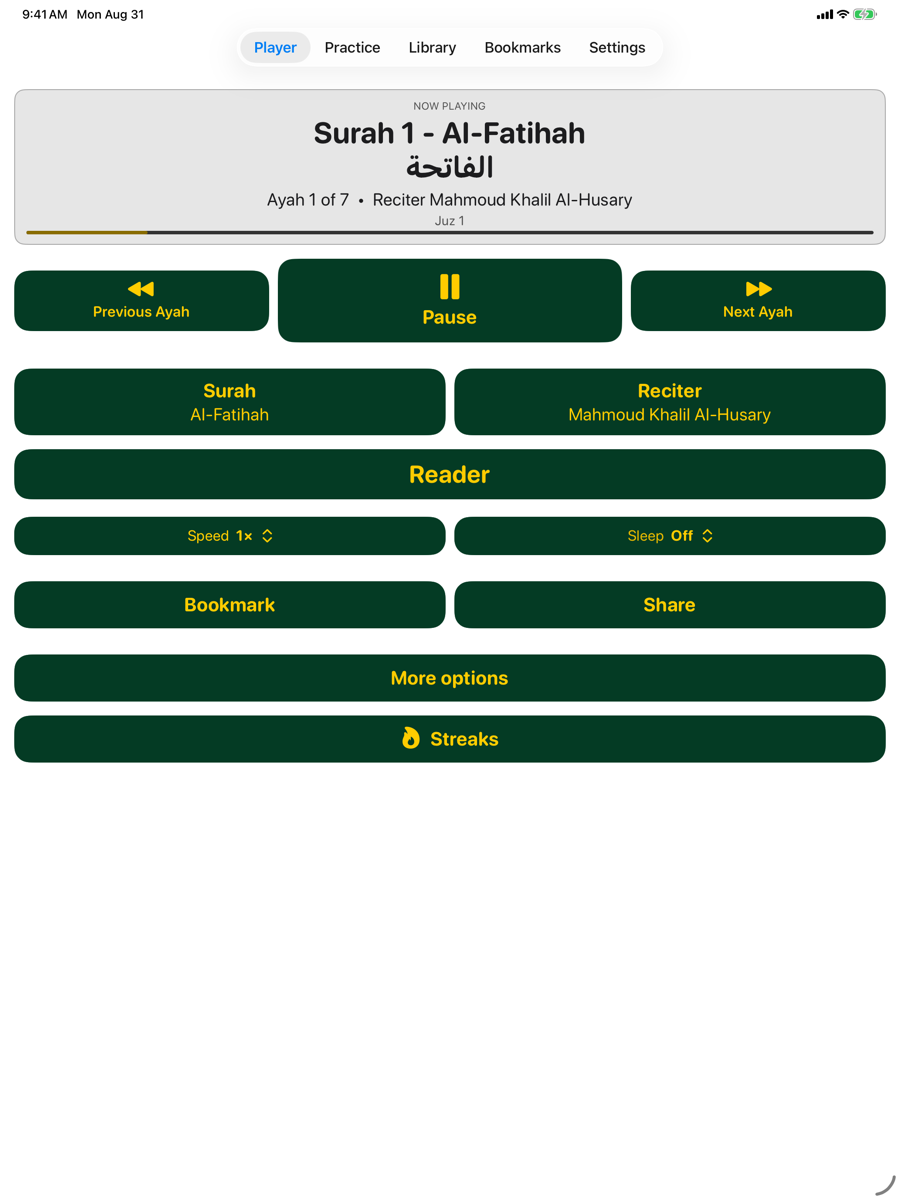
Player 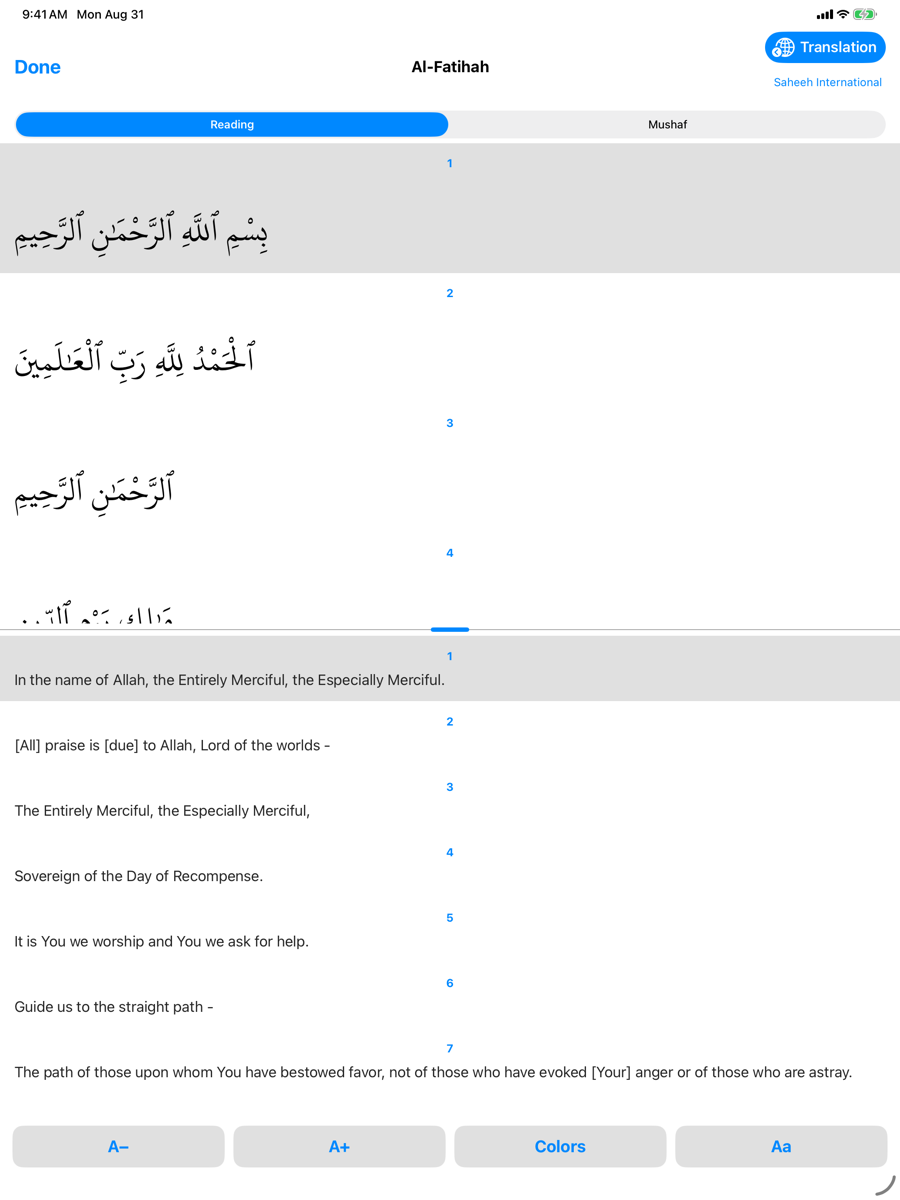
Reader
Google Play
App title
30 / 30 characters
Quran Aloud: Read Ayah by Ayah
Short description
77 / 80 characters
Listen ayah by ayah: 49 reciters, hifz drills, translations, offline. No ads.
Description
2036 / 4000 characters
Quran Aloud helps you listen, memorize and read the Quran — one ayah at a time, entirely by ear if you need it. Free. No ads. No tracking.
BUILT TO WORK BY EAR
Every screen is fully usable with TalkBack, because it was designed that way from the first line by a developer with low vision. Big controls, high contrast, and nothing that depends on seeing the screen. If you learn by listening, this app was made for you.
49 RECITERS
Alafasy, Abdul Basit, Al-Sudais, Al-Husary, Al-Minshawi and 44 more — murattal and mujawwad in the Hafs reading, Warsh from Al-Husary, Al-Dosary and Yassin, and the teaching (muʿallim) recordings of Al-Husary and Al-Minshawi for memorizing. Search by name in Arabic or English; keep your favourites on top.
MEMORIZE THE WAY HIFZ ACTUALLY WORKS
- Memorize: pick a range, set repeats and a pause between them, and let it run
- Repeat After Me: hear the ayah, then recite it back in the gap
- Test Yourself: recite first, then reveal and check
- Adjustable speed, repeat count and gap length; a sleep timer for the night
READ ALONG
Word-by-word highlighting as the reciter moves, with eleven of the reciters. The Madinah mushaf page, or the text on its own in Uthmani or IndoPak (Nastaleeq) script — in the size, spacing and colours you choose, in light or dark mode. 118 translations in 48 languages, beside the Arabic or hidden.
WORKS OFFLINE
Download any surah for any reciter and keep listening on a plane, on the subway, or wherever the signal drops. Al-Fatiha is on your phone the moment you install.
KEEP THE HABIT
Picks up where you left off. Bookmarks with your own tags, synced to your account. A daily listening goal and streak. Daily reminders at the time you choose — tap one and it plays. Share an ayah with its Arabic text and a link that opens straight to it. A "Play Quran" shortcut on your home screen.
The app itself speaks English, Arabic, Urdu, French, Indonesian, German and Spanish, with full right-to-left layout.
Free. No ads. No tracking. Built by one family, for the ummah.
What's new
357 / 500 characters
- IndoPak (Nastaleeq) script alongside Uthmani
- Word-by-word highlighting with eleven reciters
- Share an ayah with its text and a link that opens the app
- "Play Quran" from Siri or a home-screen shortcut
- Daily reminders at the time you choose; tap one and it plays
- Settings reorganised; translation language easier to find
- TalkBack fixes throughout
Screenshots
Phone
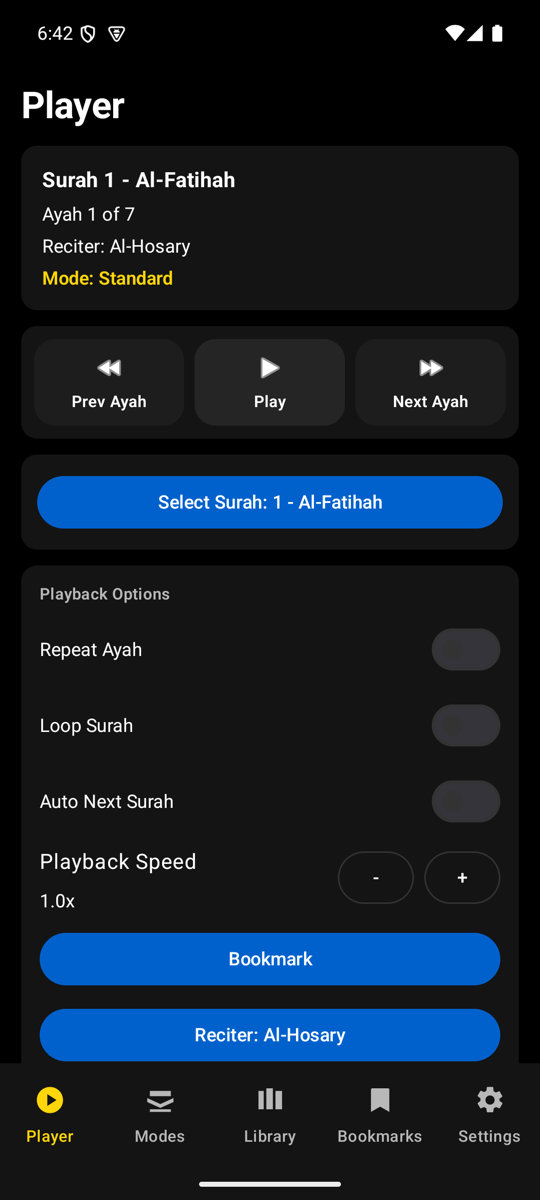
Player 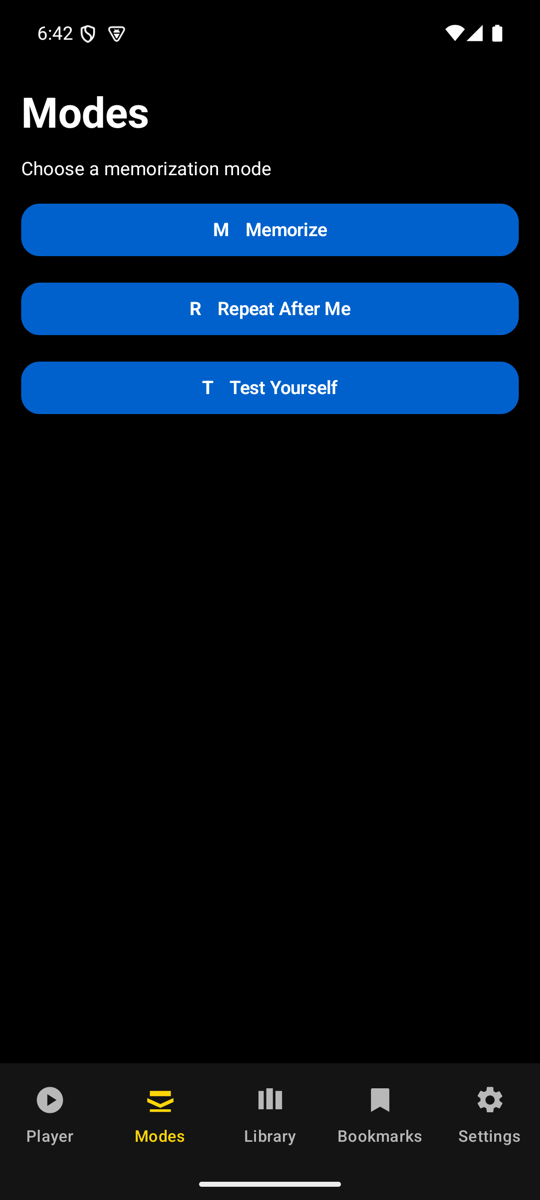
Modes 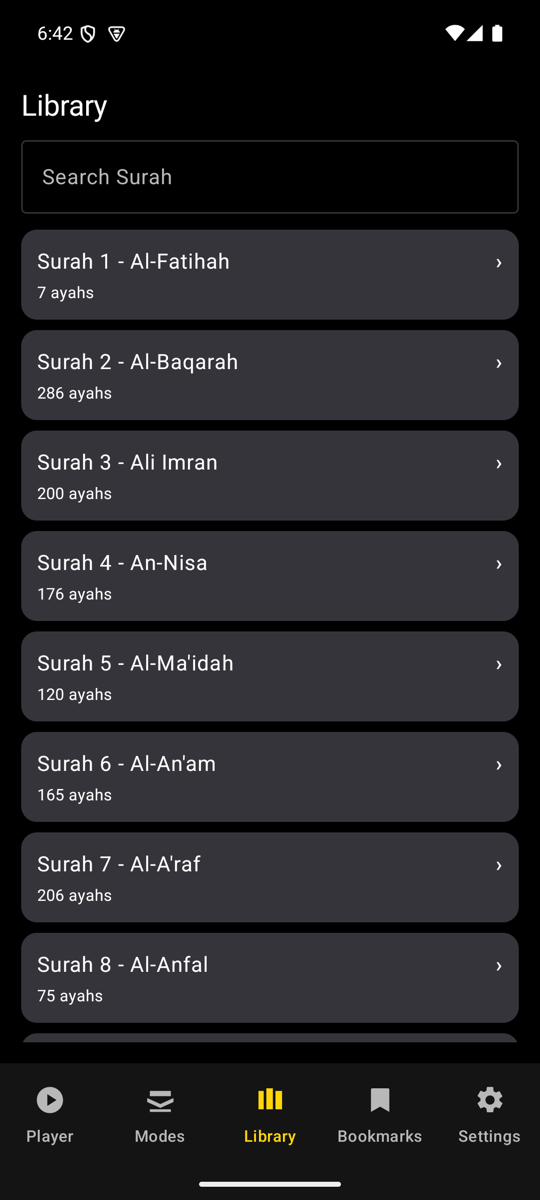
Library 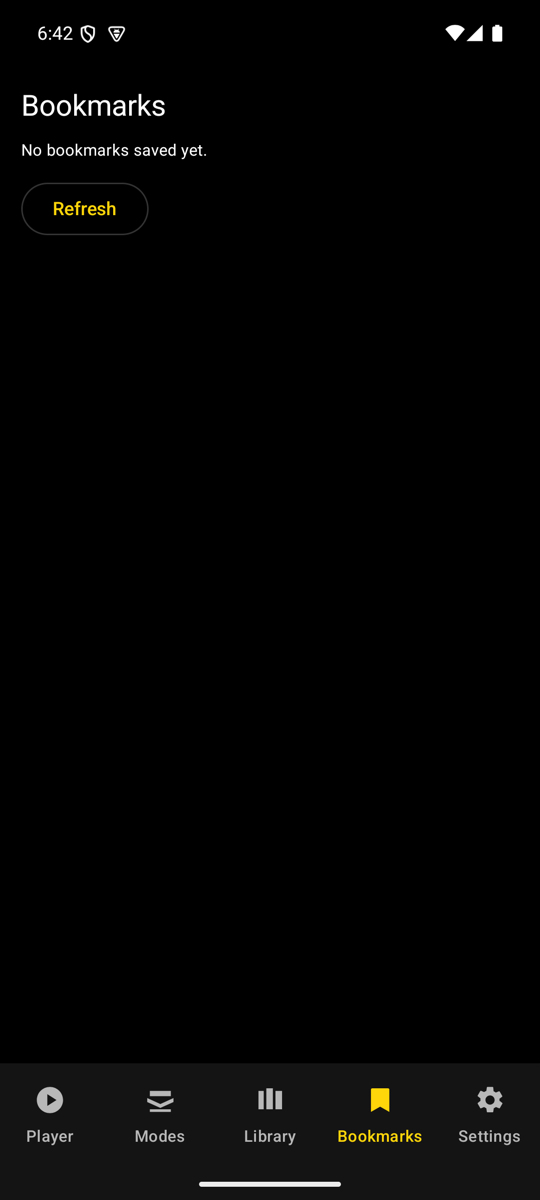
Bookmarks 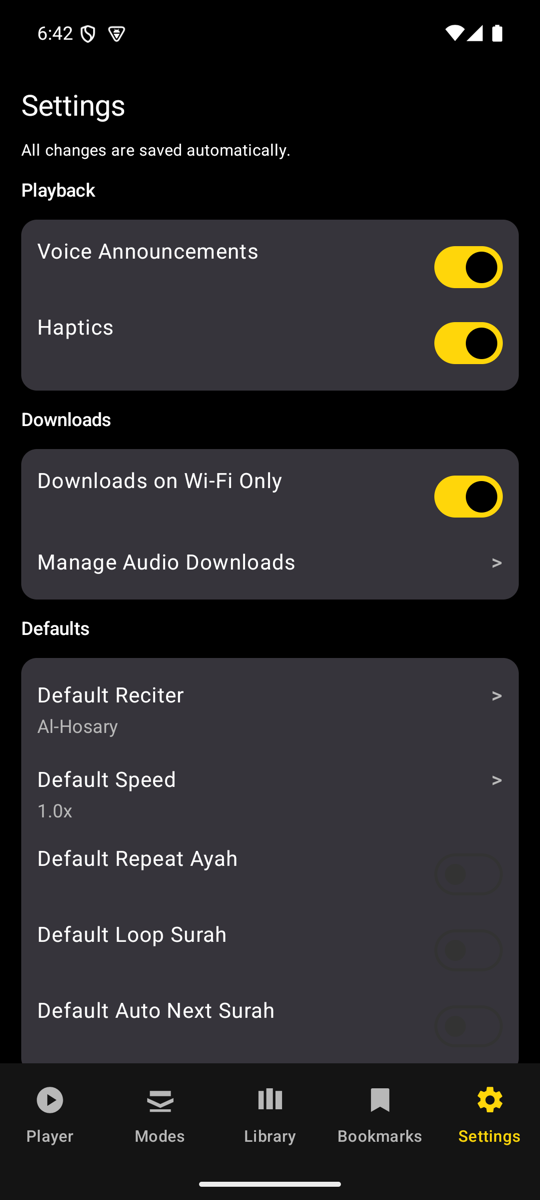
Settings
Tablet
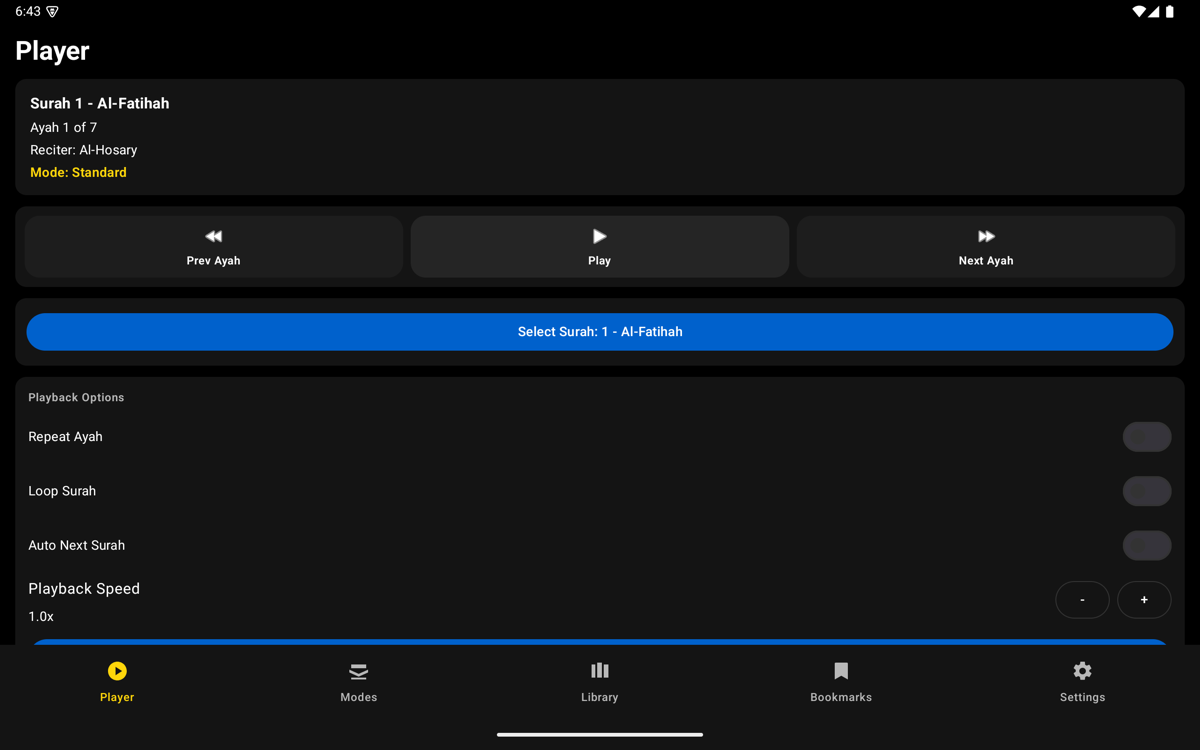
Player 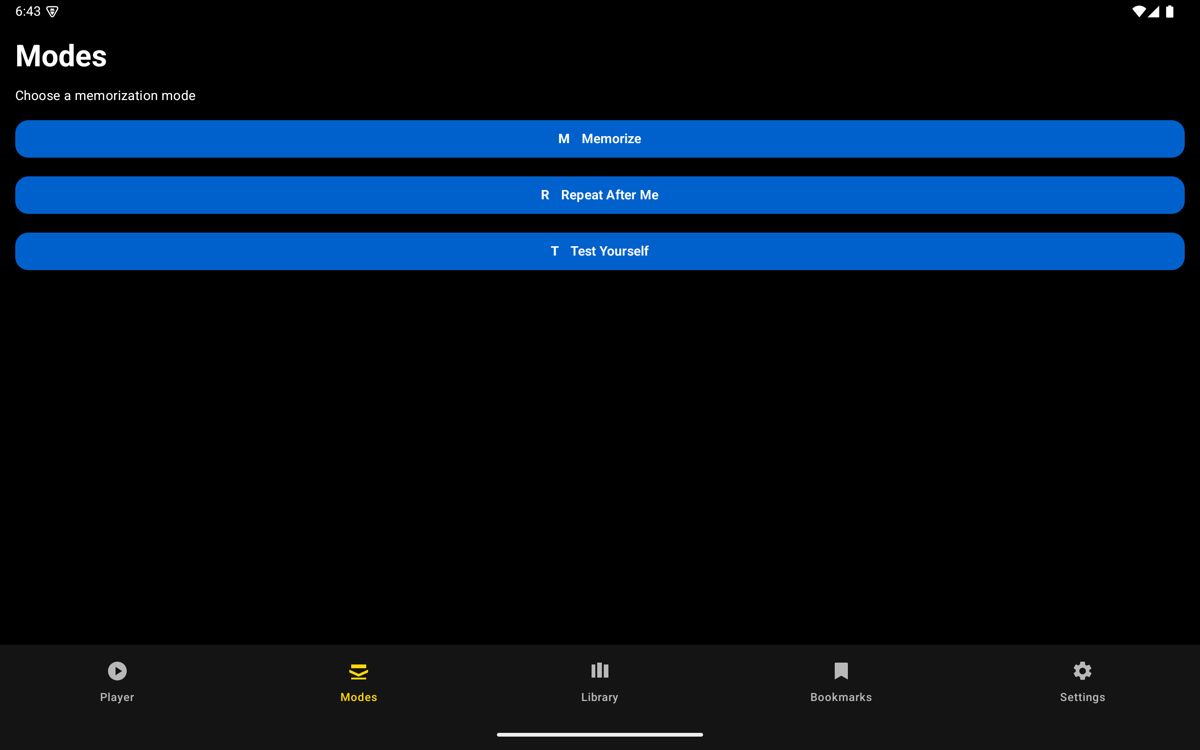
Modes 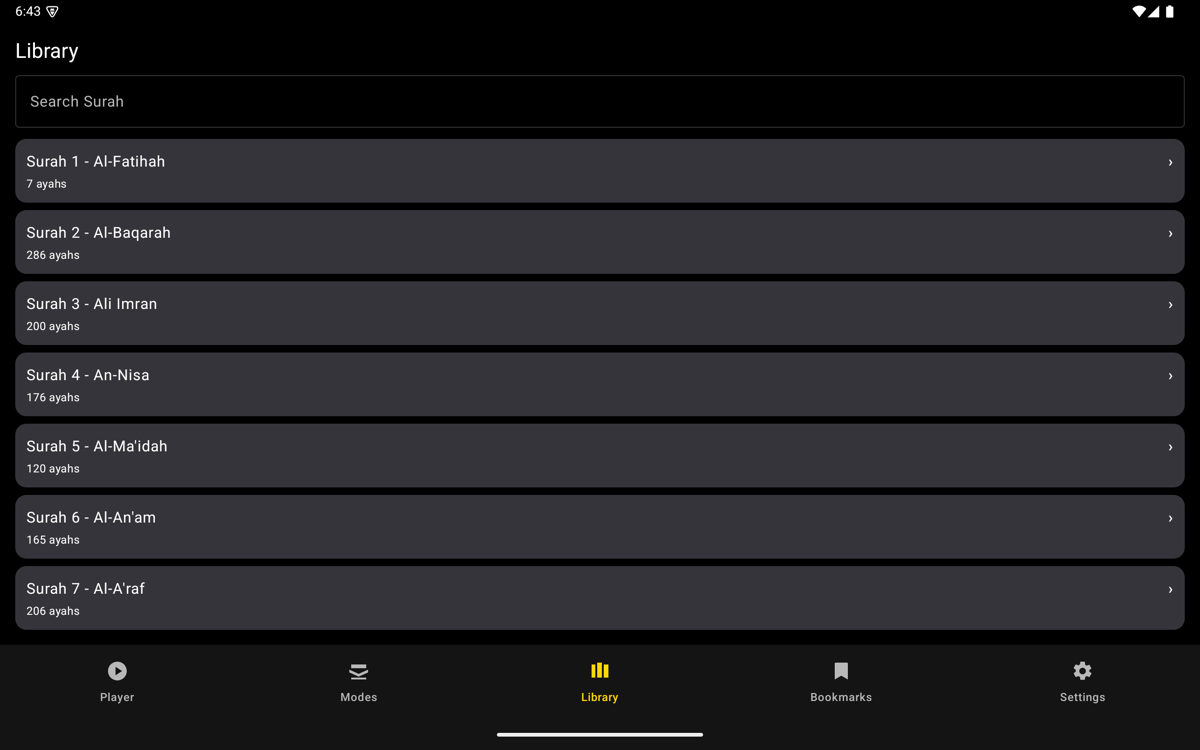
Library 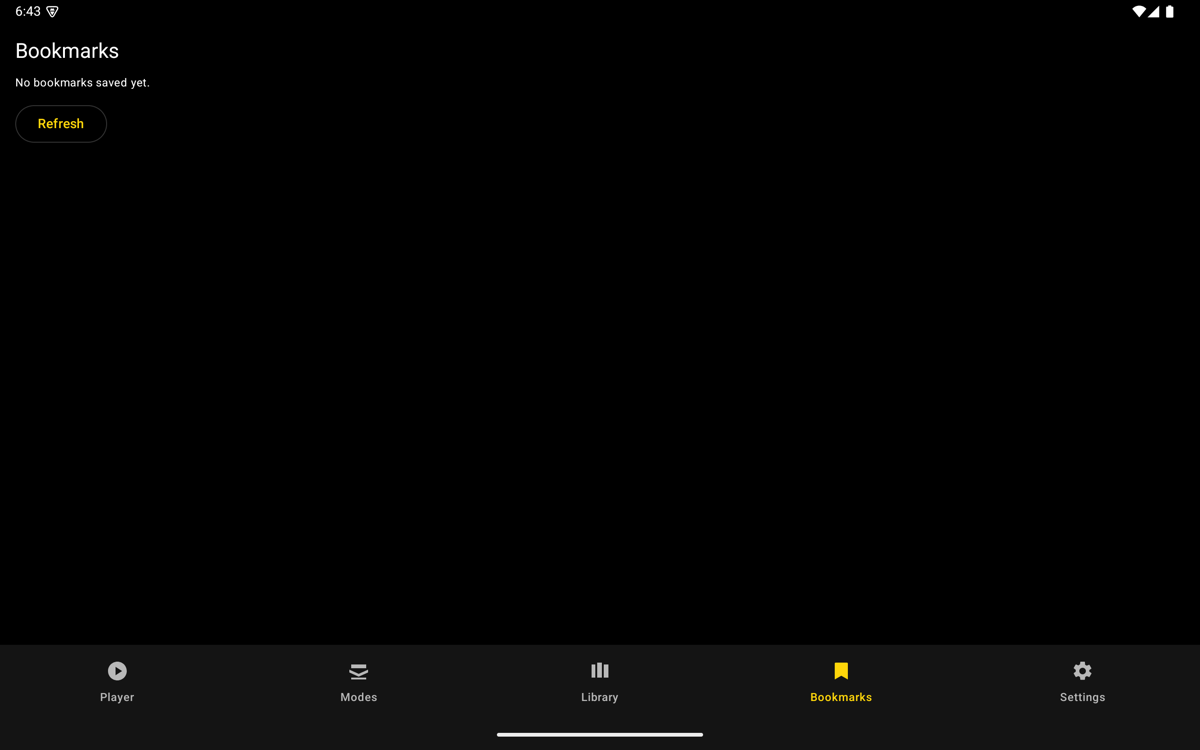
Bookmarks 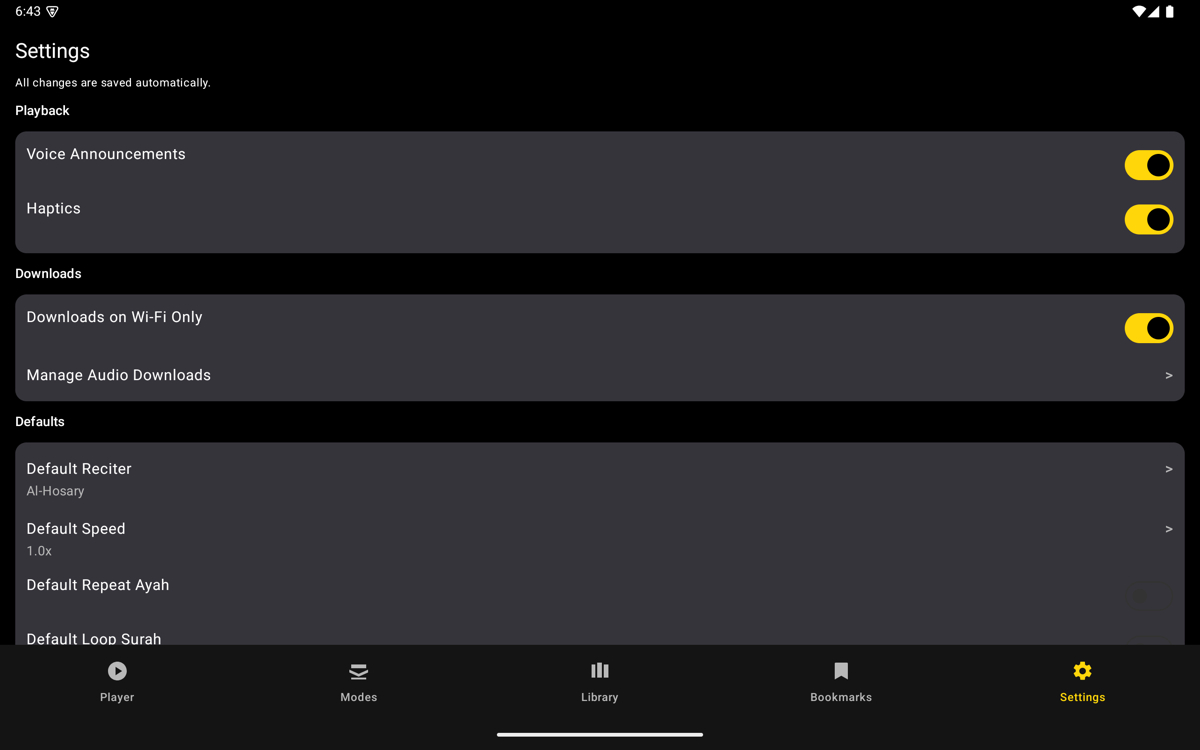
Settings
Phone · Light mode
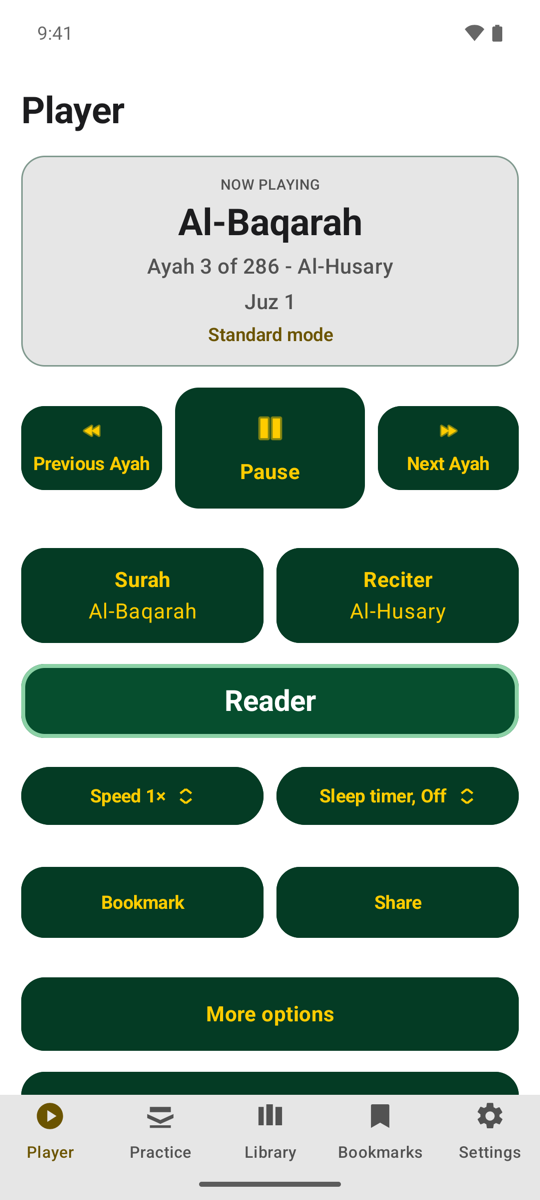
Player 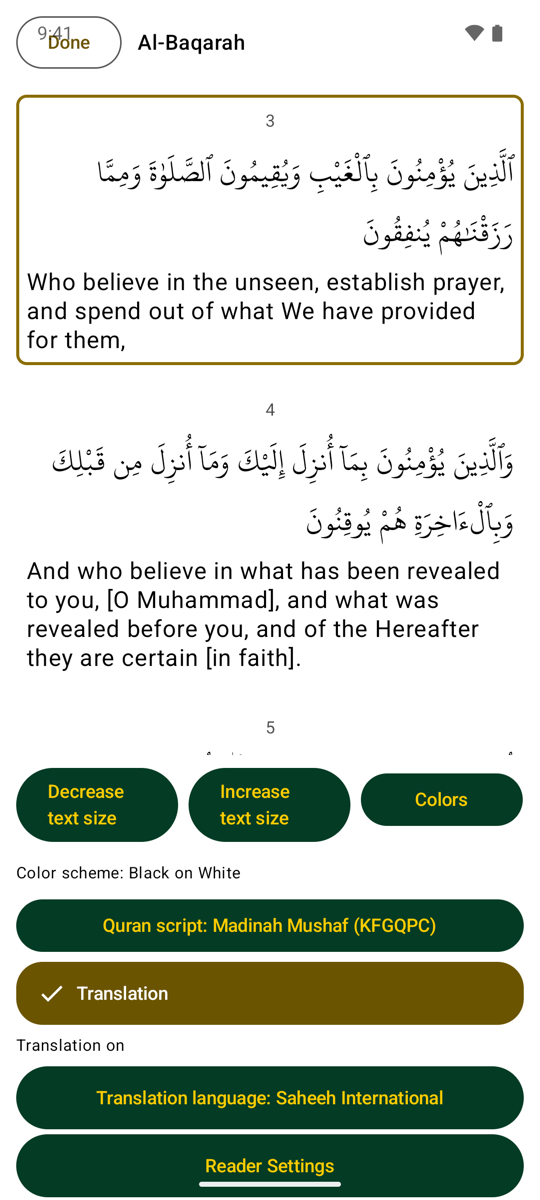
Reader
Reviewer notes
Tick each point once you have checked it, and put what you found in your message.
Generic checklist (this listing has no reviewer notes of its own).
Send feedback
or reply to the message you received